
(Last Updated On: )
For someone with a journalism degree, I really have fallen off in regards to reading. It’s actually so rare these days that I’ll read an online article – regardless of how interested I am in the topic – considering how much I enjoyed digging into longform articles in my younger years. As per most people, it’s just more convenient to consume most informational media through video format, if I’m really engaged in it.
After a year or so of realising just how much I was missing out on by barely reading beyond headlines and opening paragraphs of articles, I decided that I needed a solution that fit my needs. Probably Busy is Probably Busy for a reason. I don’t have much time spare between all the projects I have and running a house with two small children in it. So I found a solution that allows me to keep working, while I’m consuming info at the same time: Read Aloud.
I’m really into my Chrome extensions. I mostly have them for work purposes (eg ones for websites, Amazon etc) but I would say that this is mainly used for entertainment purposes. Read Aloud is an extension which simply reads pages of text aloud to you. Just head to any website, click the icon and it will read to you.
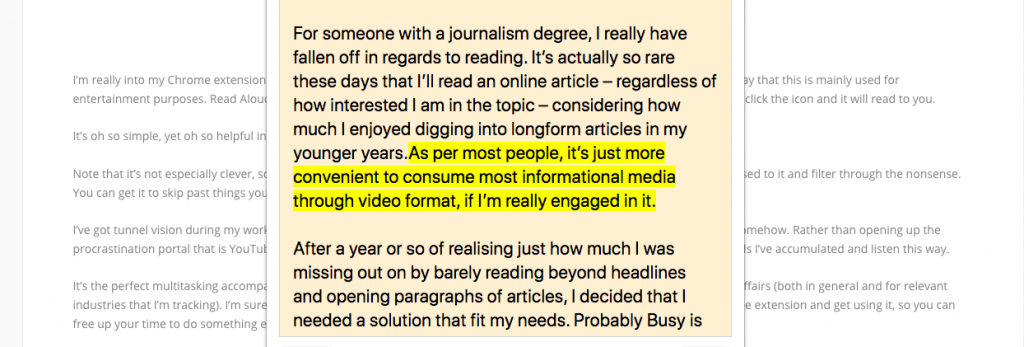
It’s oh so simple, yet oh so helpful in the way that I like to work.
Note that it’s not especially clever, so grammar gets lost on it, and it will read irrelevant text on the page, but you’ll soon get used to it and filter through the nonsense. You can get it to skip past things you don’t need it to read, so it pretty much does exactly as you need it to.
I’ve got tunnel vision during my working hours, because I have so little time to work with. But I still need to entertain myself somehow. Rather than opening up the procrastination portal that is YouTube (even if I initially intend to just find one thing) I’ll just head to the list of reading materials I’ve accumulated and listen this way.
It’s the perfect multitasking accompaniment and, for me, a good alternative for the days when I need to catch up on current affairs (both in general and for relevant industries that I’m tracking). I’m sure lots of other people are in the same boat, so if that is the case, make sure you get the free extension and get using it, so you can free up your time to do something else.
Go get it here.

- NVIDIA’s AI Dominance: Evaluating DataCentre Demand, Competitive Risks, andValuation Sustainability - July 1, 2026
- Controlling Power From Anywhere in the World - September 16, 2025
- From Flat Sheet to Strong Box: How Smart Design Stops Damage - August 28, 2025